

Copyright © 2024 Polycopy. Website Design by axisfirst. Powered by axis vMerchant.






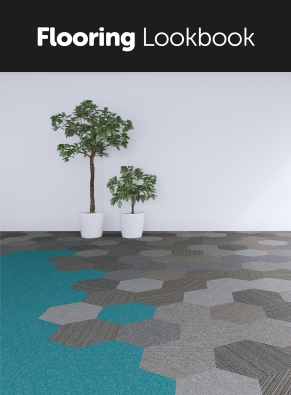

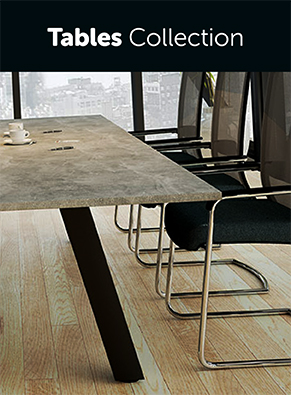


Office Solutions for your Business Needs
 Please look out for our FSC® certified products
This site uses cookies. By continuing to access this site you are accepting the use of cookies by this site.
Read more about cookies...
X
Read more about cookies...
Cookies are small text files stored on your device when you access most websites on the internet.
This Website uses cookies in order to make the Website easier to use, to support the provision of information and functionality to you, as well as to provide us with information about how the Website is used so that we can make sure it is as up to date, relevant and error free as far as we can. Further information about the types of cookies that are used on this Website is set out in the box below.
By using this Website you agree to our use of cookies. You can choose to restrict or block cookies set on the Website through your browser settings at any time. For more information about how to do this, and about cookies in general, you can visit www.allaboutcookies.org. Please note that certain cookies may be set as soon as you visit the Website, but you can remove them using your browser settings.
However, please be aware that restricting or blocking cookies set on the Website may impact the functionality or performance of the Website, or prevent you from using certain services provided through the Website. It will also affect our ability to update the Website to cater for user preferences and improve performance.
We don’t sell the information collected by cookies, nor do we disclose the information to third parties, except where required by law (for example to law enforcement agencies).
We may sometimes embed content from 3rd party websites such as YouTube. As a result, when you visit a page containing such content, you may be presented with cookies from these websites. We do not control the dissemination of these cookies and you should check the relevant third party's website for more information.
Cookies We Use
| Cookie | Description |
| CookieConfirm | The presence of this cookie is used to remember the fact that you have confirmed that you are happy to accept cookies |
| ASPSESSIONIDxxxxxxxx | This is a Session Cookie (session cookies are temporary and are erased when you close your browser). It identifies you from one page to the next and is used, for example, to keep track of your logged-in status. |
| UserID, account, password | These cookies are used to remember your login credentials for when you next visit our website. They are only created if you choose the “Remember Me” option on the login page. |
| _utma, _utmb, _utmc, _utmz | These are cookies created by Google Analytics and are used to provide us information on which web pages are the most popular, and the most popular search terms used by visitors arriving at our site. |